Track budget against actuals
Compare budgeted costs and revenue against actual outcomes from time, materials, supplier invoices and ÄTA work.
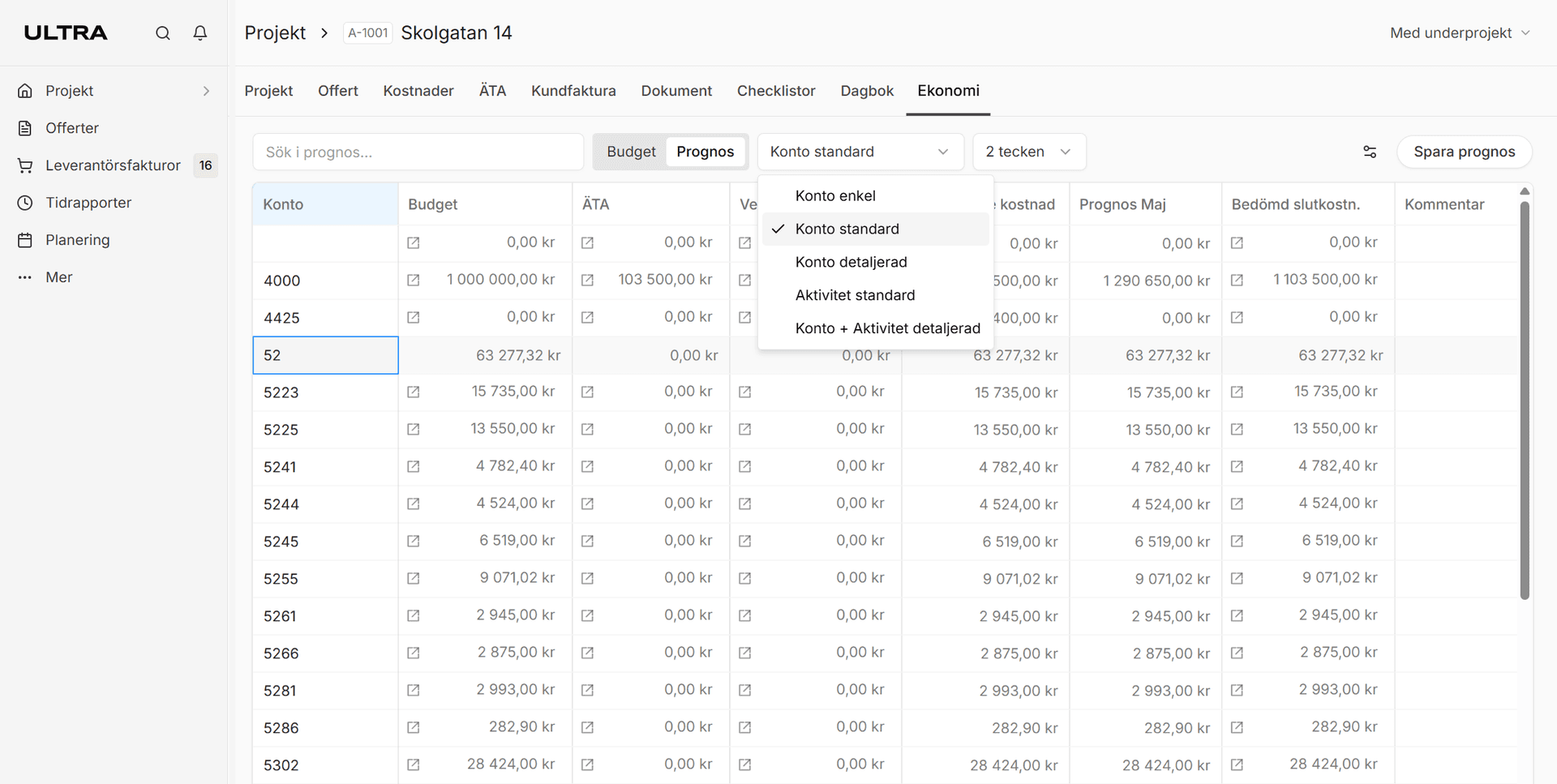
Follow budget, actuals and forecast in projects so you spot deviations in time and can act before the margin is affected.
Budget and forecast in Ultra give project managers and finance a shared view of how the project is developing. Costs, revenue and forecasts can be followed continuously at the level you need.
Compare budgeted costs and revenue against actual outcomes from time, materials, supplier invoices and ÄTA work.
Update the forecast by account, activity, location or cost centre depending on how you work. Choose simpler or more advanced views as needed.
Get started quickly by importing the estimate into the project. The budget basis becomes the starting point for follow-up and forecast in the same flow.
Save forecasts over time and compare how the picture of the project has changed. You clearly see when deviations arise and can act before the margin is affected.
Can't find what you're looking for? Contact support